
A refined reservation system that helps your restaurant manage capacity, welcome guests with confidence, and orchestrate service without a single missed detail.
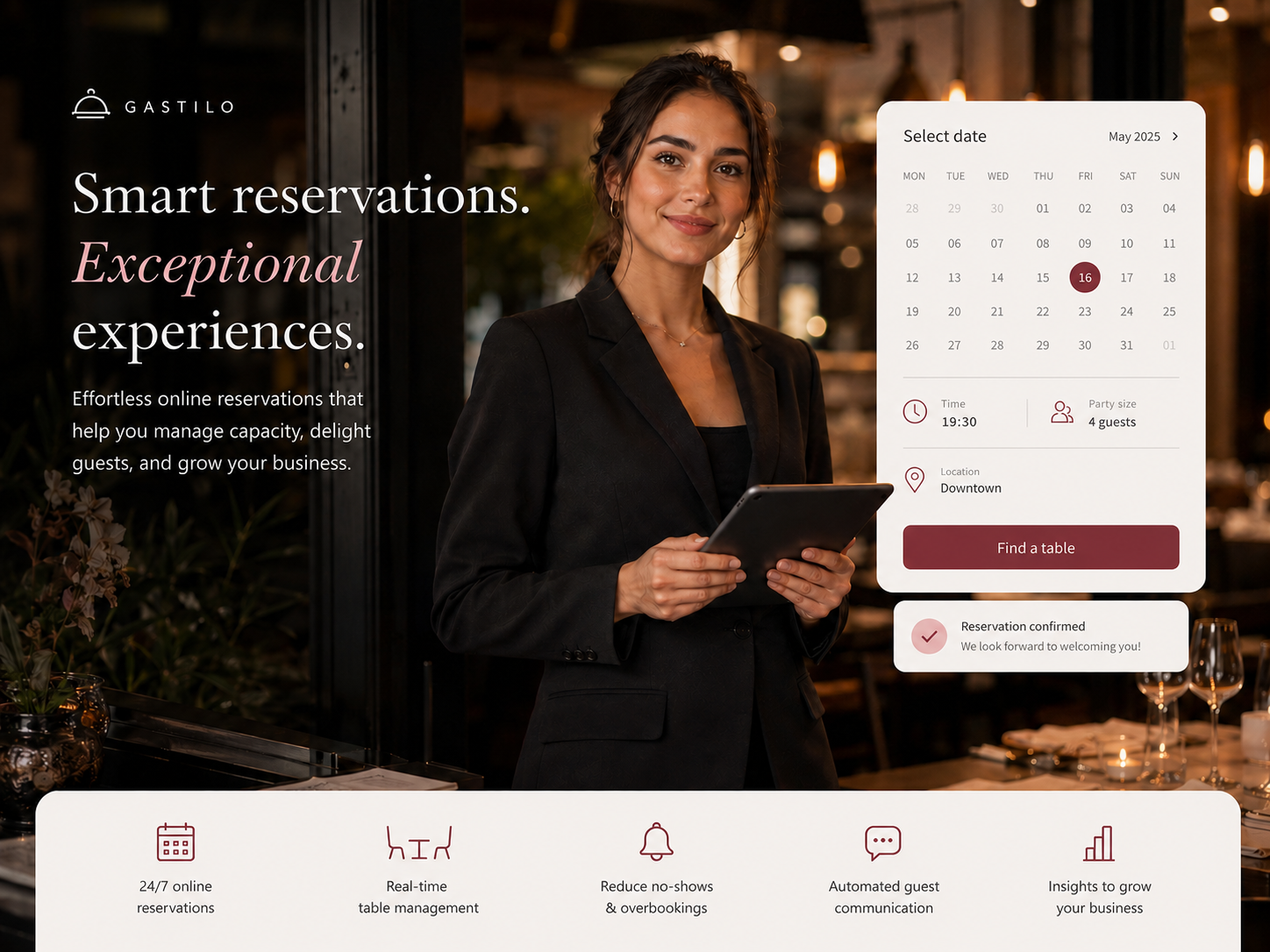
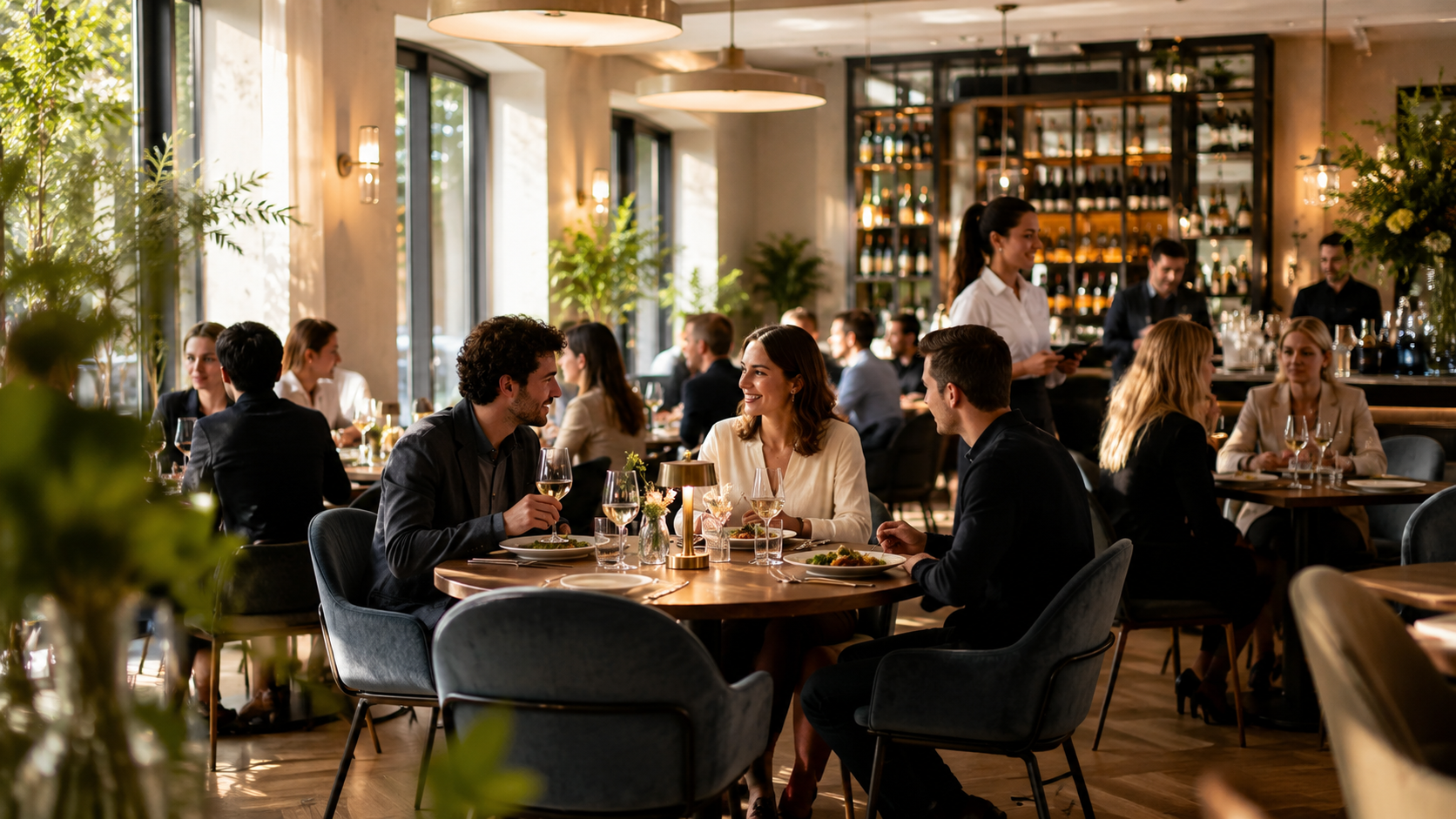
Every service is a choreography of bookings, walk-ins and tables. Gastilo brings all of it into one calm, connected workspace — so your team can focus on hospitality, not on juggling channels.
Online, phone and walk-in reservations flow into one place.
Your team always knows what's next, without shouting across the floor.
A visual floor plan shows occupancy, conflicts and turnover in real time.
Personal notes, tags and confirmations make every guest feel expected.
Refined tools that stay out of the way — until the moment you need them.
A clean 24/7 reservation page linked to your website.
Scan every booking of the day at a glance.
Timeline by table and time to spot gaps instantly.
Your real floor layout, live and colour-coded.
Name, contact, language, preferences and history.
VIP, birthday, allergy — visible at a glance.
Elegant email confirmations and gentle reminders.
Real seating times reflected in the floor plan.
Warnings for over-booking and capacity issues.
Covers, walk-ins, no-shows and peak hours.
A calm dashboard shows today's covers, upcoming bookings and floor status — the whole team starts on the same page.
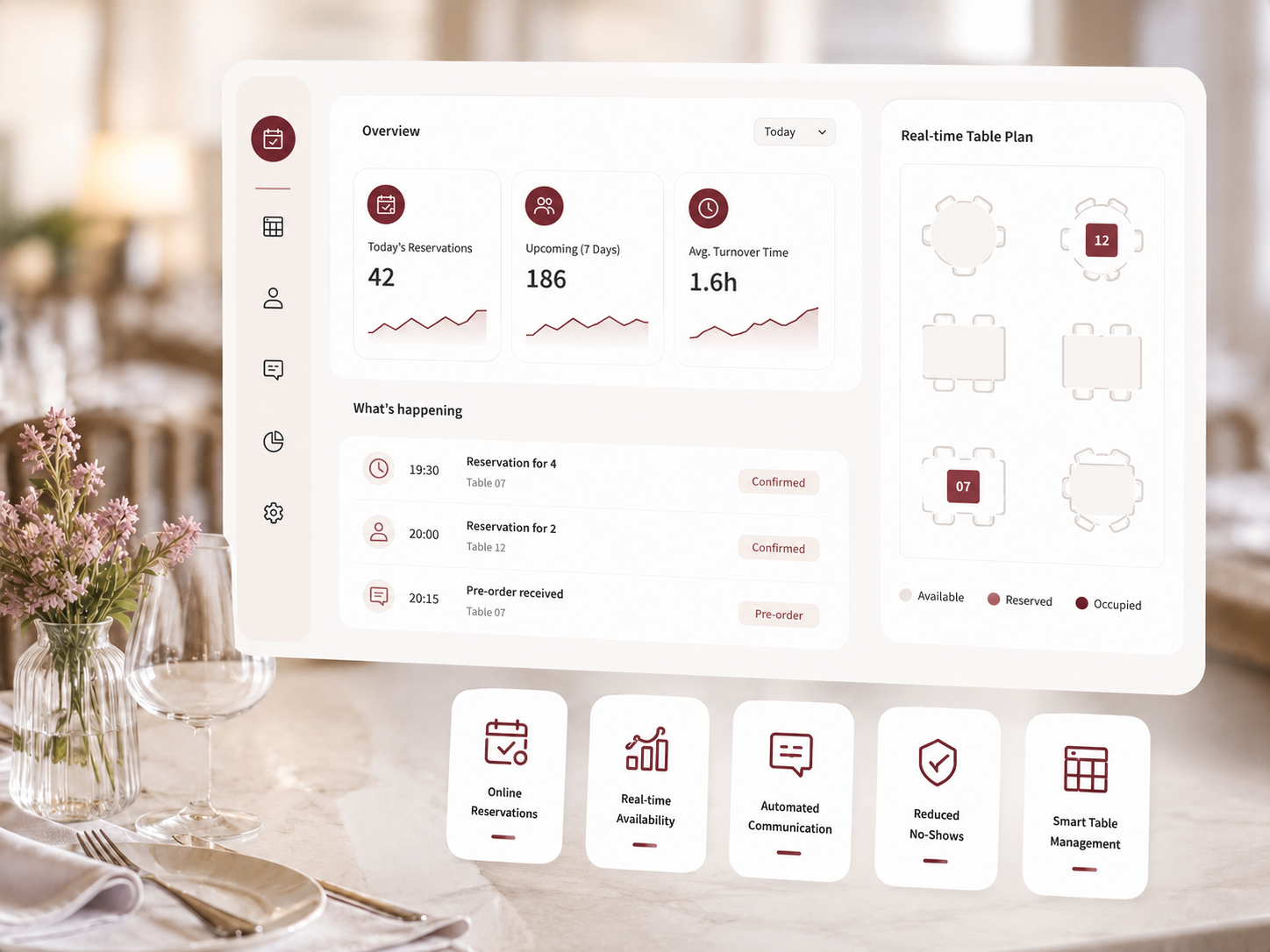
When the phone rings or a guest walks in, your team finds the right reservation instantly — no scrolling, no confusion.

The visual table plan mirrors your real floor. Every table is live — occupied, reserved, available — with conflicts highlighted before they happen.
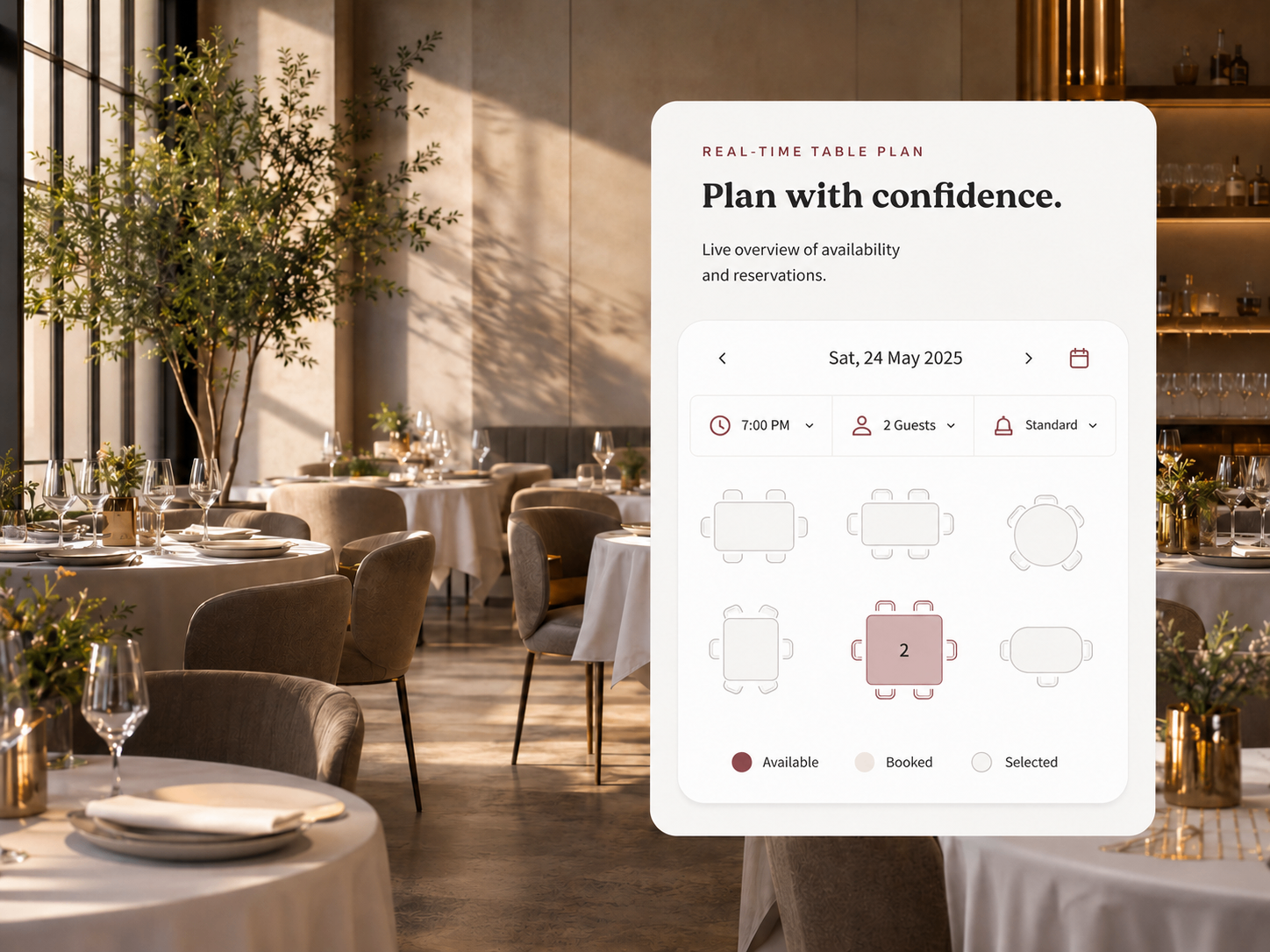
Host, floor manager and server all see the same live data. Everyone stays coordinated, even during the busiest hours.
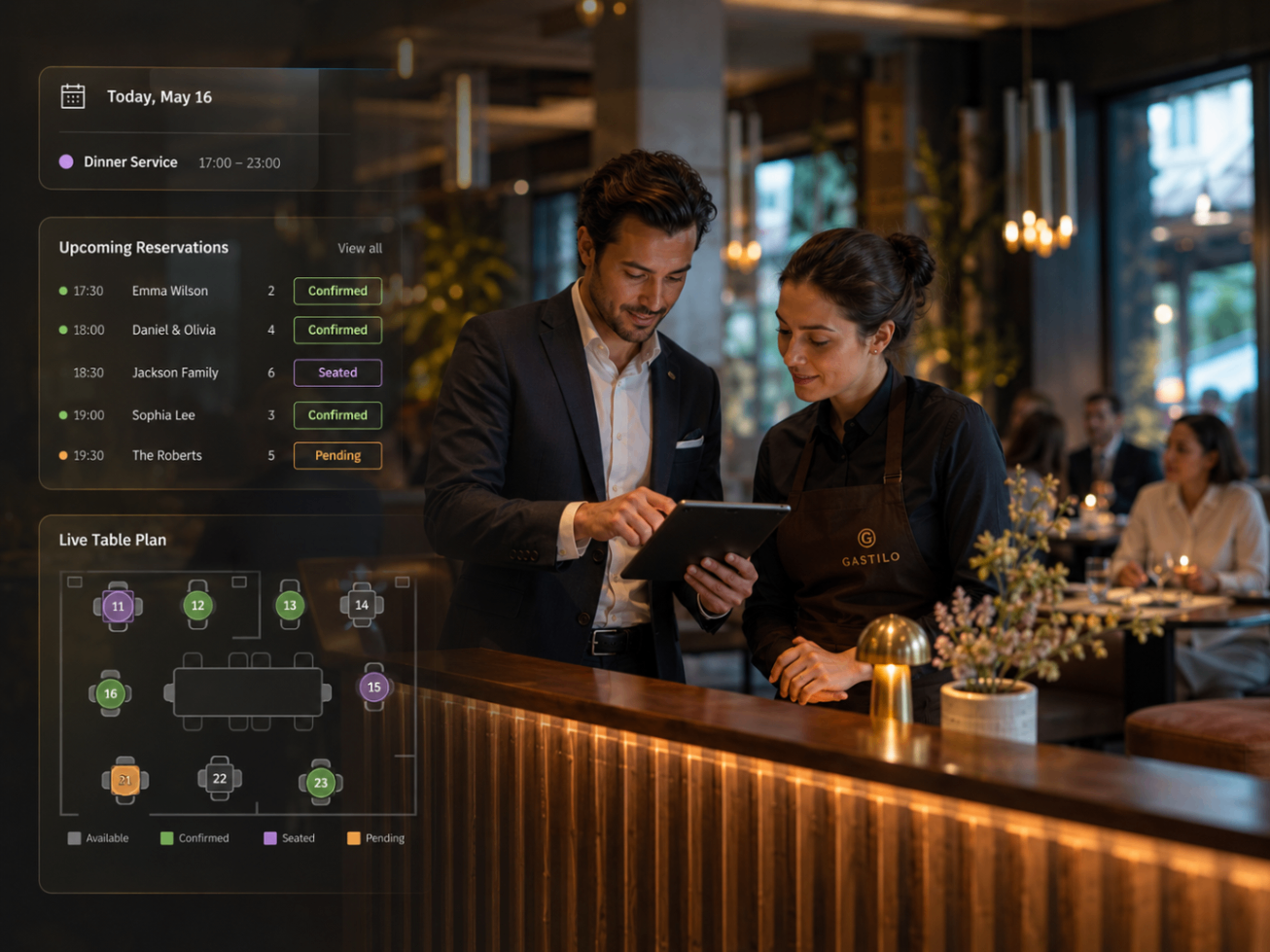
The same live reservation data — visualised for how your team actually thinks.
Every booking of the day at a glance — time, party, status, table.
See the day as a timeline by table — spot gaps and overlaps.
Your real floor layout — occupied, reserved, available, in conflict.
Gastilo turns the little frictions of reservation management into a single, dependable rhythm your team can trust every night.