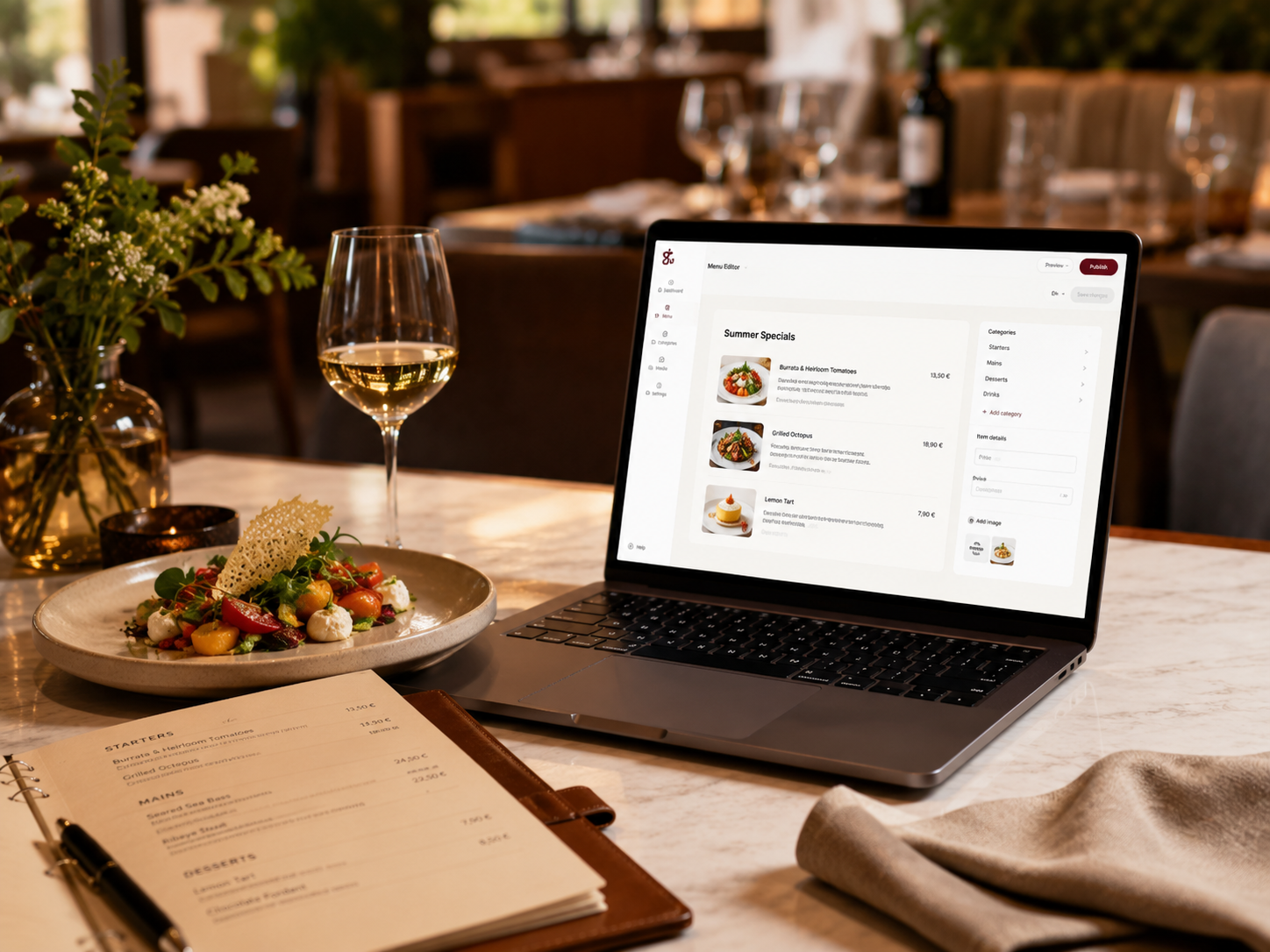
Build professional menus with categories, photos, prices, descriptions, allergens and language options. Publish them online, generate QR access for guests, or prepare a print-ready version for tables and takeaways.
Guests browse your menu from any phone.
Prepare clean menus for tables, counters or takeaway.
Generate QR codes that open the public menu instantly.
Offer menus in the languages your customers need.
Change prices, items or availability without reprinting.
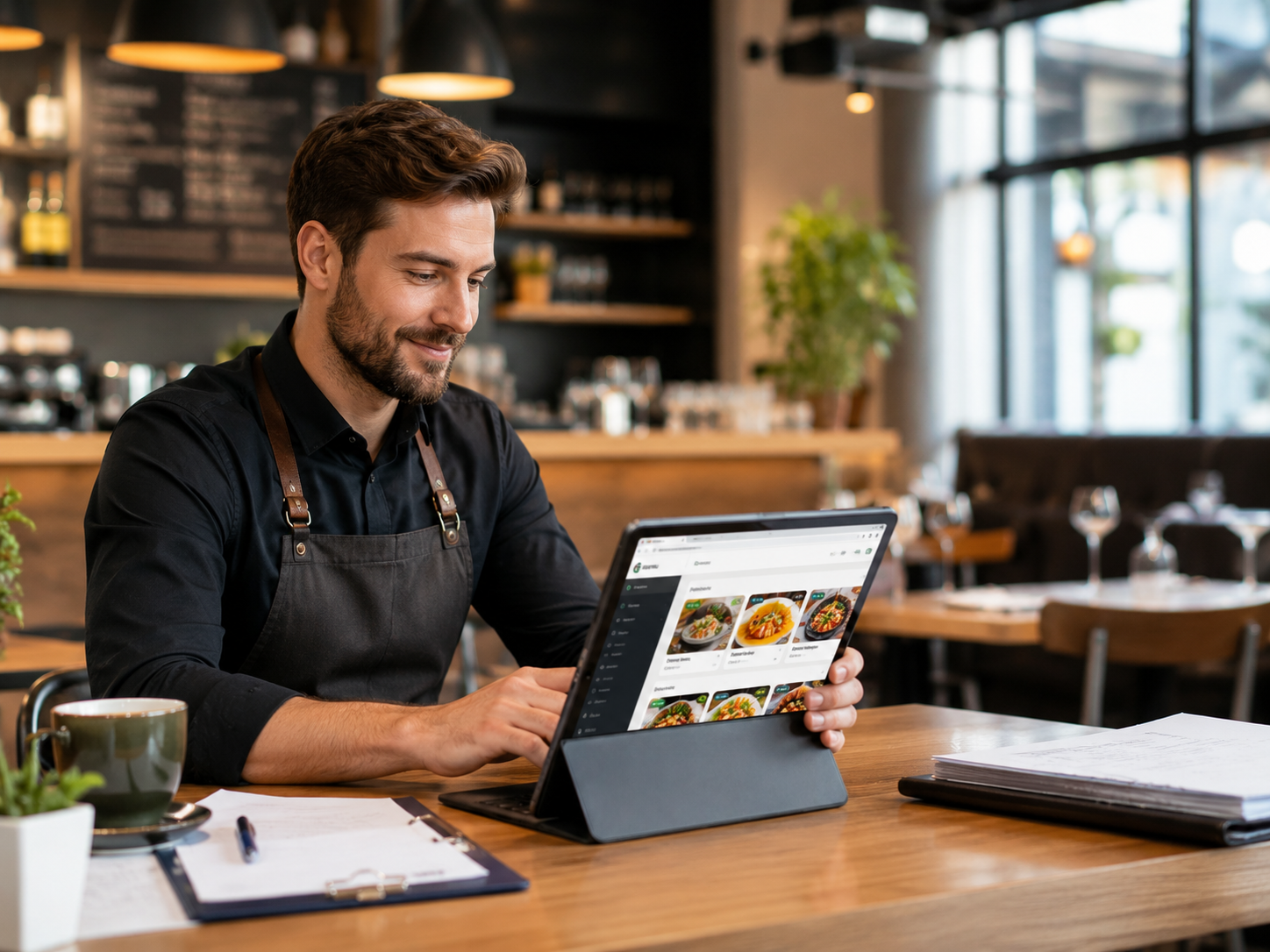 For your team
Add categories, dishes, prices, photos and descriptions in a structured way — without rebuilding the menu every time something changes.
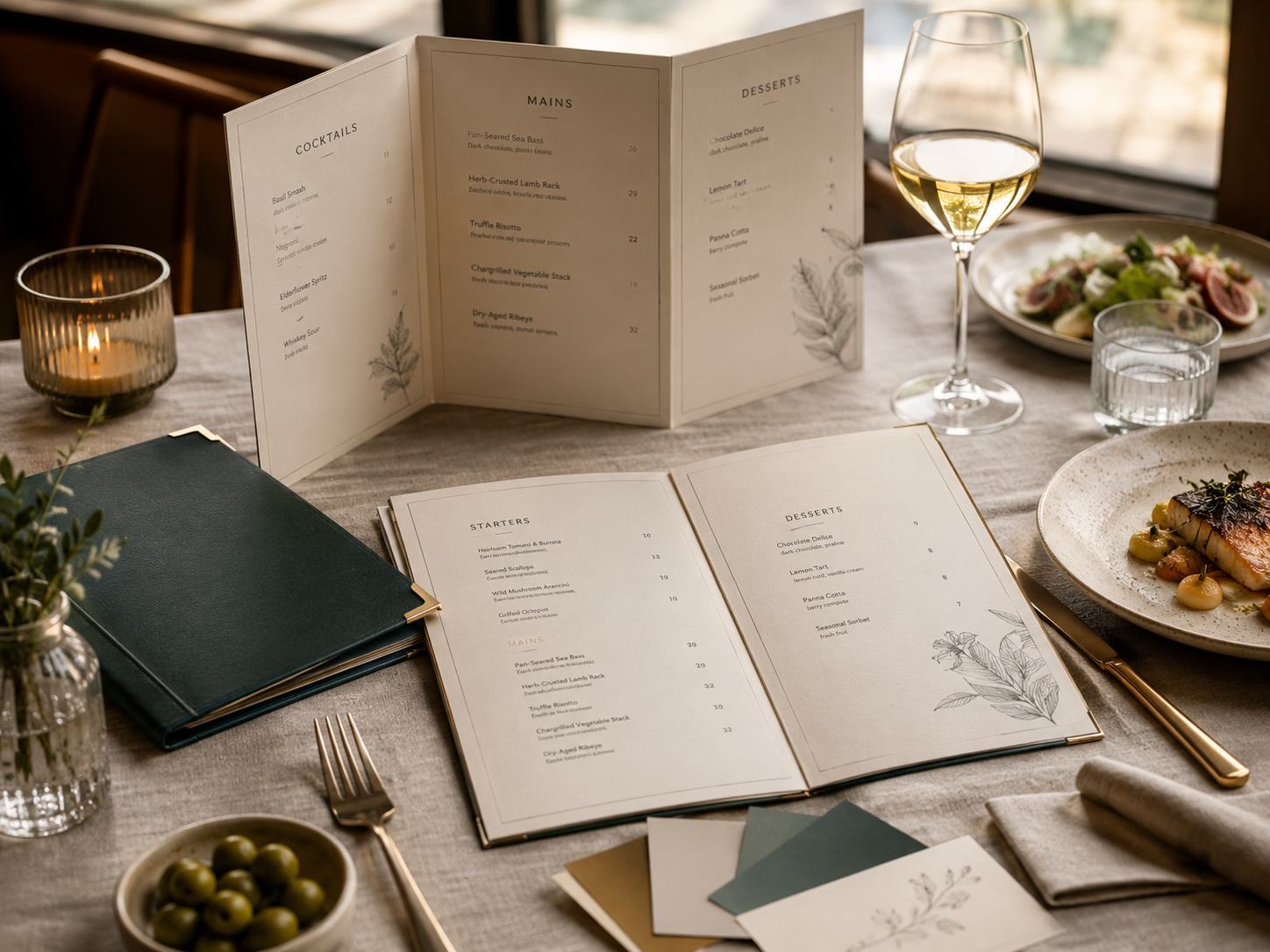 For print
Prepare clean print-ready menus for tables, counters and takeaway using the same information from your Menu.
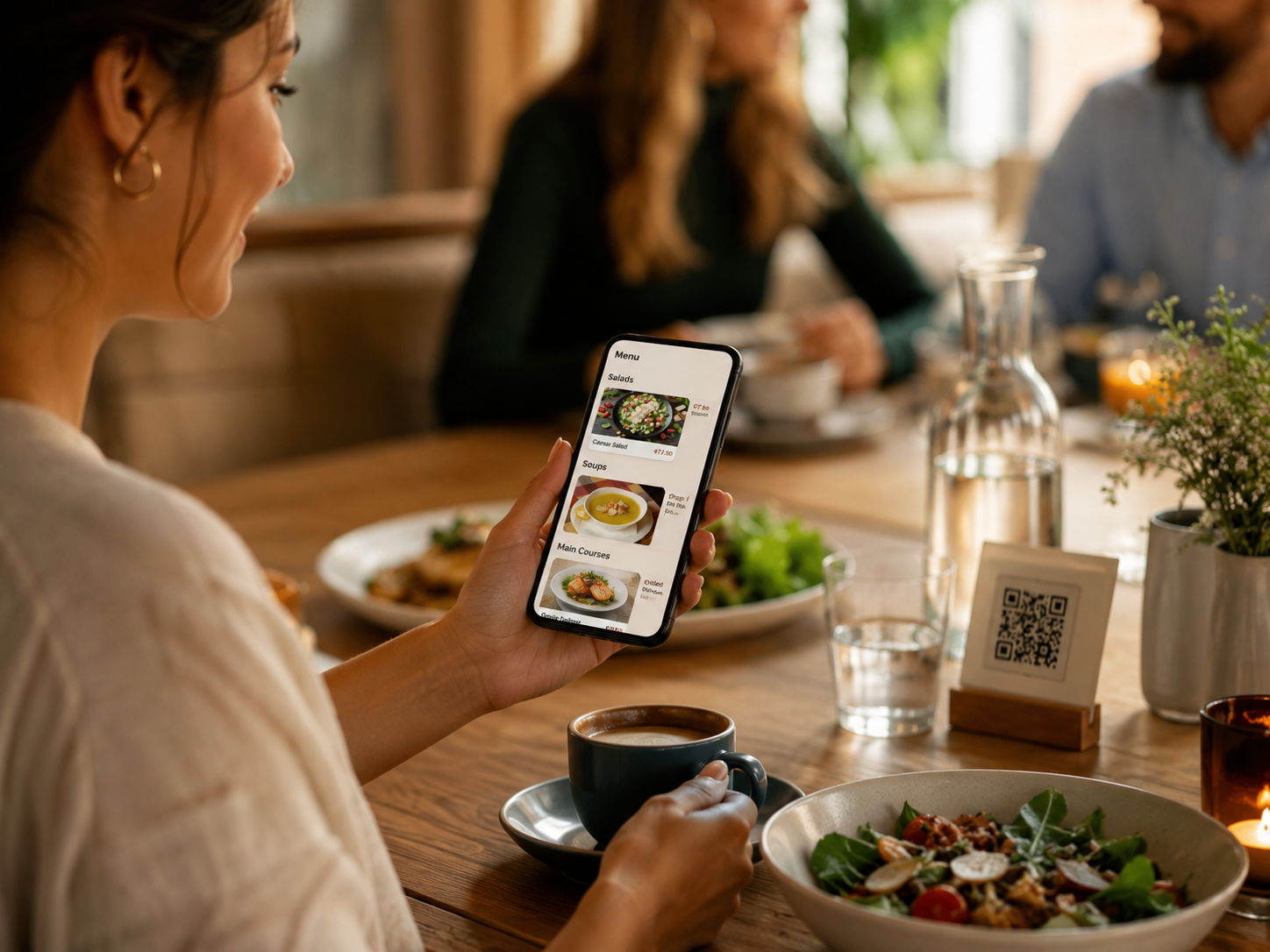 For customers
Let customers browse your menu on their phone with photos, descriptions, tags and language options.
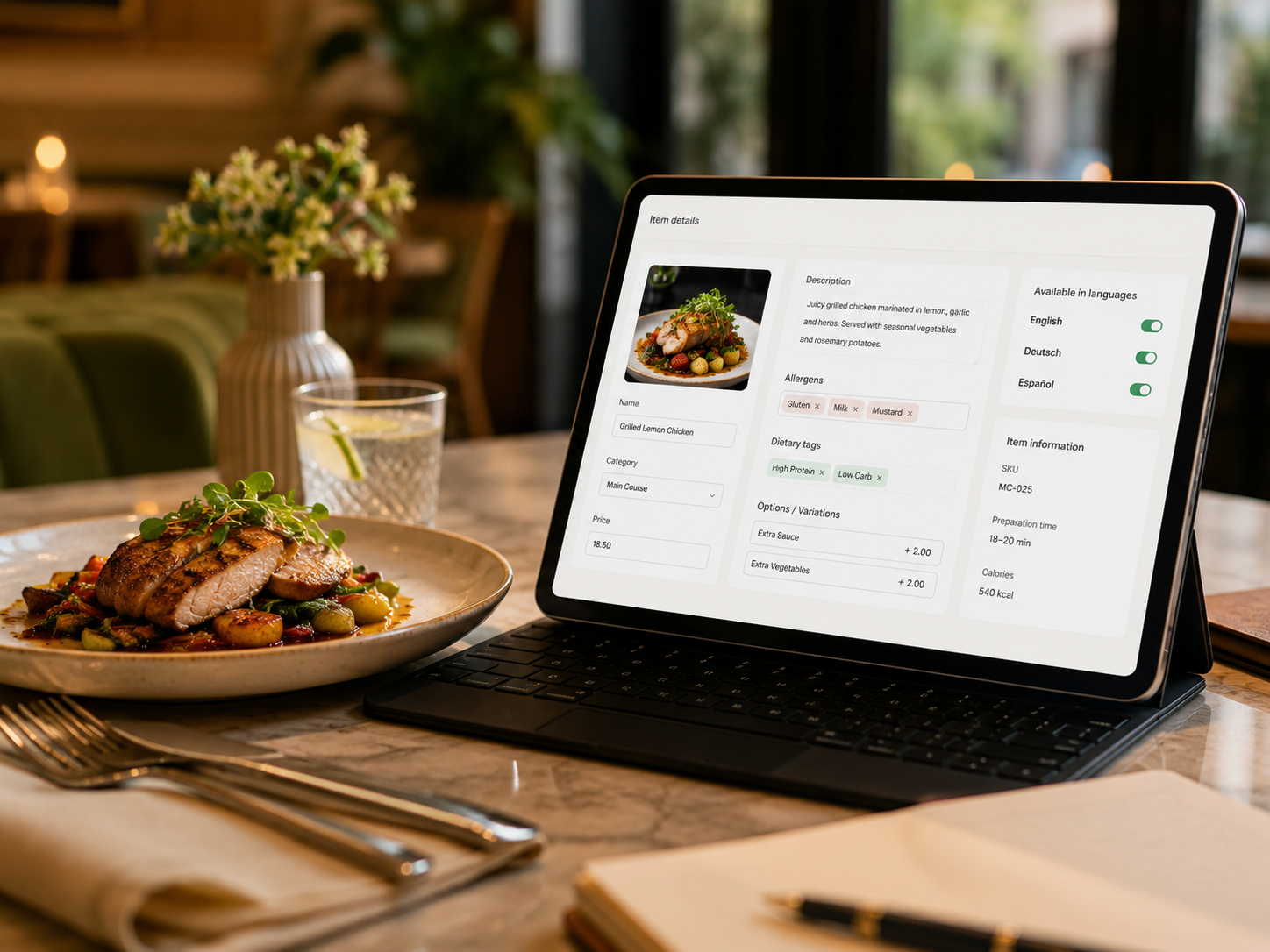 Always current
Change a price, hide an unavailable item, add a special or update allergens — and keep your public menu accurate.
Create your menu once, then use it in the format that fits your business — online, printed or through QR access.
A mobile-friendly public menu customers can open from your website, social links or shared URL.
A clean, print-ready version for tables, counters, takeaway bags or in-house displays.
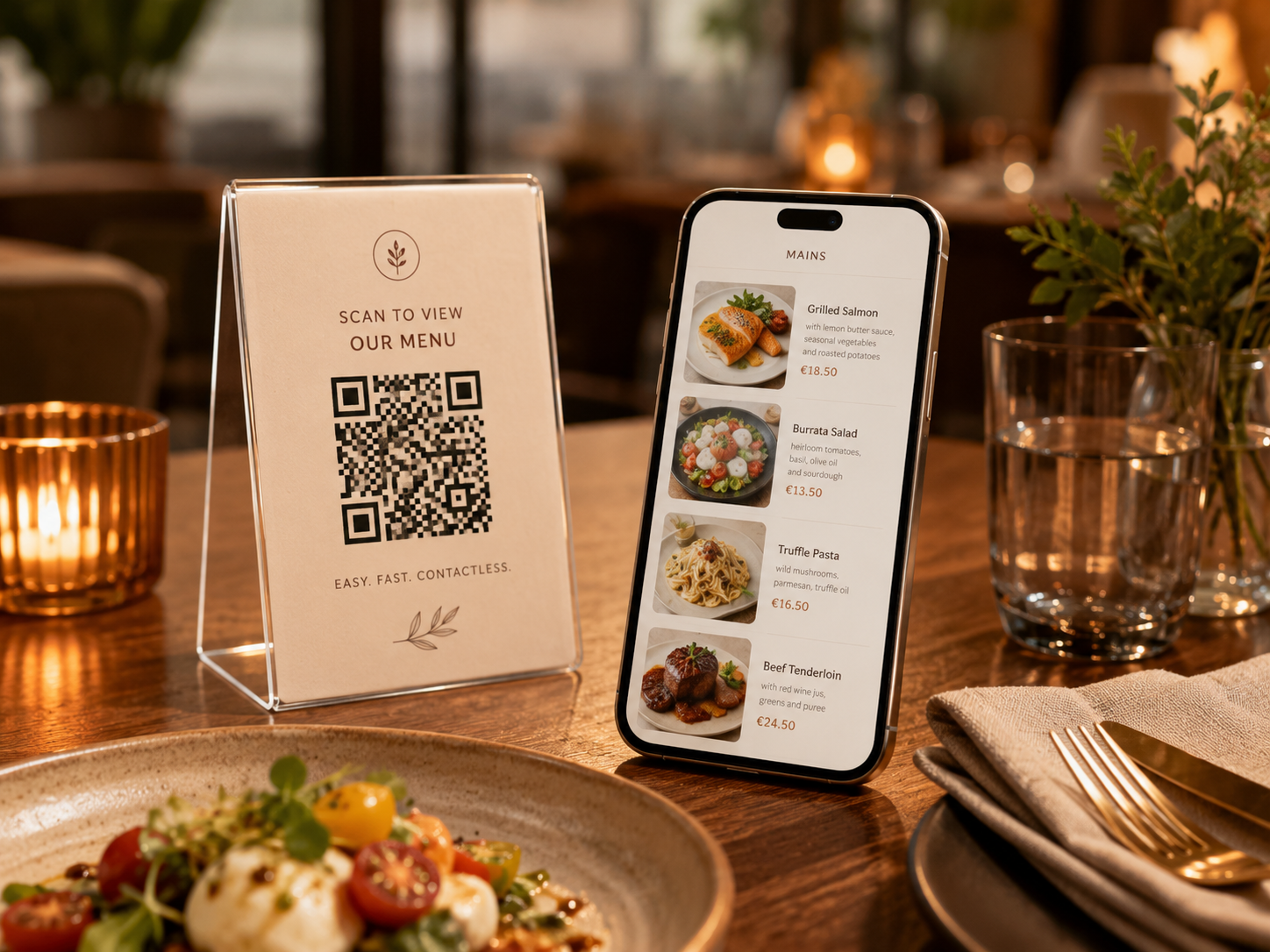
QR codes that open the live digital menu instantly, ideal for tables, windows and printed materials.
Everything you need to create, update, publish and print professional menus — without managing separate files, PDFs or design tools.
Manage all menus, categories and items from one place instead of scattered files and folders.
Use the same menu data for online menus, QR menus and print-ready versions.
Show dishes with clean layouts, photos, descriptions, prices and category structure.
Add allergens, ingredients and dietary labels so customers can make informed choices.
Create menus in multiple languages for local and international customers.
Update prices, mark items unavailable, add specials or change descriptions whenever needed.
Digital, print and QR menus — one editor, one source of truth.
No. Gastilo Menu lets you create digital menus, print-ready menus and QR-access menus from one place.